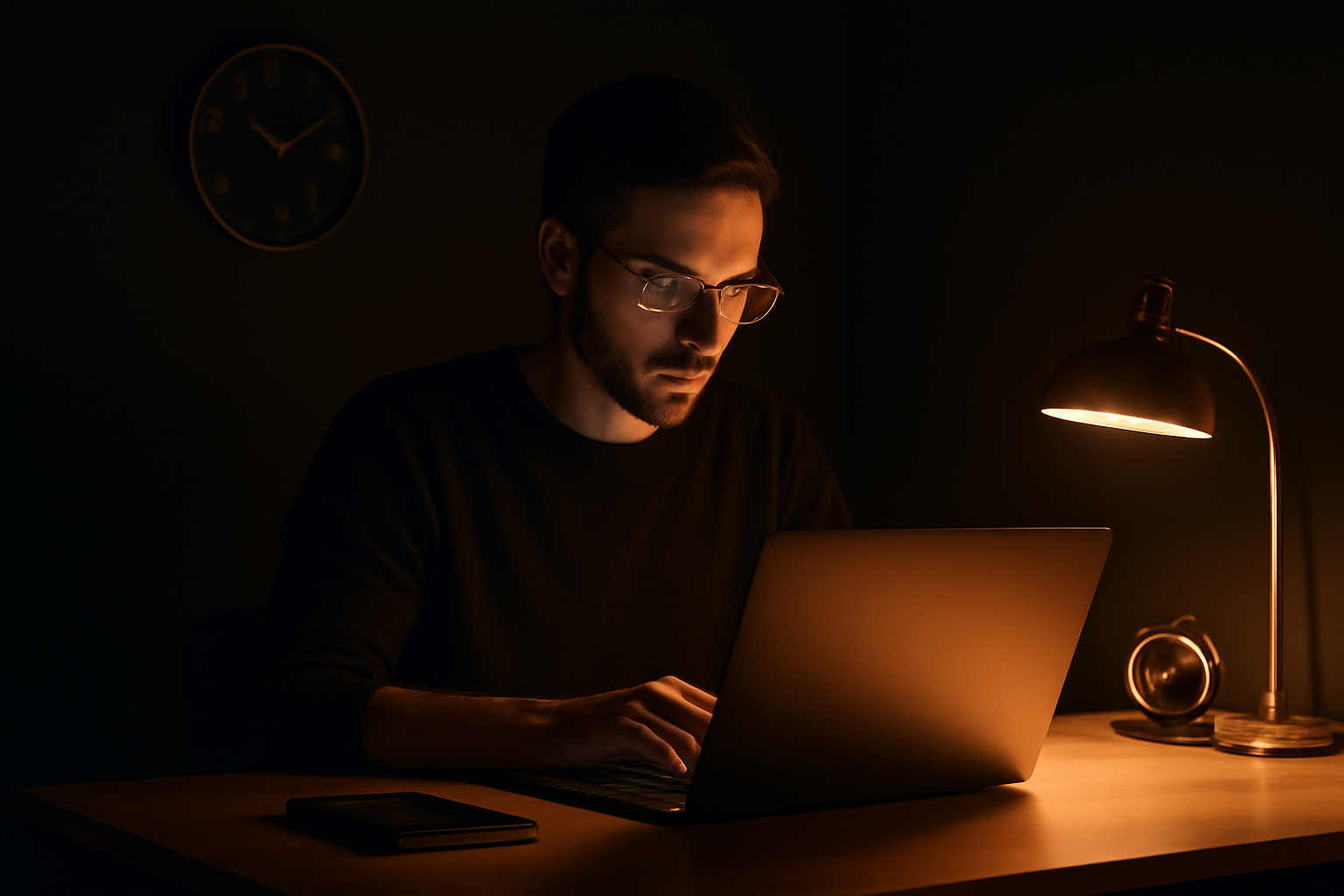
The Morning Routine That Protects Your First Hour
The first hour of your workday sets the tone for everything that follows. Most freelancers give it away without realizing.
You open your laptop. You check email. There is something from a client that needs a response. You handle it. While you are in your inbox, you see a Slack notification. You check it. It leads to a short back-and-forth. By the time that resolves, forty-five minutes are gone and you have not started any real work.
That is not a bad morning. That is most mornings for most freelancers.
The first hour of your day is the most valuable hour you have. It is fresh. Your decision-making is sharp. Your resistance to hard work is lower than it will be at any other point. And most people give it away to other people's agendas the moment they open their phone or laptop.
What the First Hour Is Actually For
The first hour is not for communication. Communication is reactive. It puts you in a mode where you are responding to what other people need.
The first hour is for the one thing that most needs your best brain today. One thing. Not a list. Not a planning session. The single task that, if you finished it, would make the rest of the day feel like a bonus.
You identify that task the night before. You do not decide it in the morning. Morning is for doing, not deciding.
The Two Rules
No inbox before the first task is started. This means no email, no Slack, no messages of any kind. Not a quick glance. Not just to see if anything urgent came in. Nothing.
Most things that feel urgent in the morning are not. They became urgent because you saw them. If you had not opened your inbox, you would have done an hour of real work before encountering them. The world would not have ended.
The second rule is that the first task gets a running timer before you open anything else. Start the timer. Start the work. Those two actions in that order.
The timer does two things. It creates a small commitment to the session. And it ensures that if you do end up doing billable work in that first hour, it gets recorded. Unbilled first-hour work is one of the most common ways freelancers lose money they actually earned.
The Client Who Always Emails at 8am
If you have a client who consistently reaches out early and expects fast responses, you have a boundary problem that a morning routine alone cannot fix.
The routine only works if you enforce it. That means the client needs to know your response window. Most clients are fine with a 10am first response if you tell them that is your pattern. They are not fine with it if they have been trained to expect instant replies and you suddenly go quiet.
Set the expectation once. Keep it short. "I do focused work in the mornings and typically respond to messages after 10. Anything genuinely urgent you can mark as such."
Almost nothing is marked urgent. Because almost nothing is.
How Your Logs Change With a Protected First Hour
When you protect the first hour and run a timer through it, something changes in your end-of-day time data.
You start to see a consistent block of focused billable work at the top of every day. That block is clean. No interruptions in the log. No fifteen-minute gaps where you drifted somewhere.
Over a week, that pattern represents several hours of recovered billable time you were previously losing to reactive morning behavior. Over a month, it shows up on your invoices.
Time-Trak makes this easy to see because you can look back at any week and see the shape of your days. Days with a clean morning block look different from days that started in your inbox. The difference in billed time is usually obvious.
Start Before You Are Ready
The main reason the first hour gets wasted is that people wait until they feel ready to work.
Readiness is not a feeling. It is a decision.
Open the task. Start the timer. The readiness comes after you begin, not before.
Track your time, bill every minute.
Time-Trak is a native Mac and Windows time tracker with a floating timer, automatic screenshots, and one-click invoicing.
Free during beta.
Download Time-Trak →macOS + Windows · Floating widget · Auto screenshots